Registration and login
Video chapters
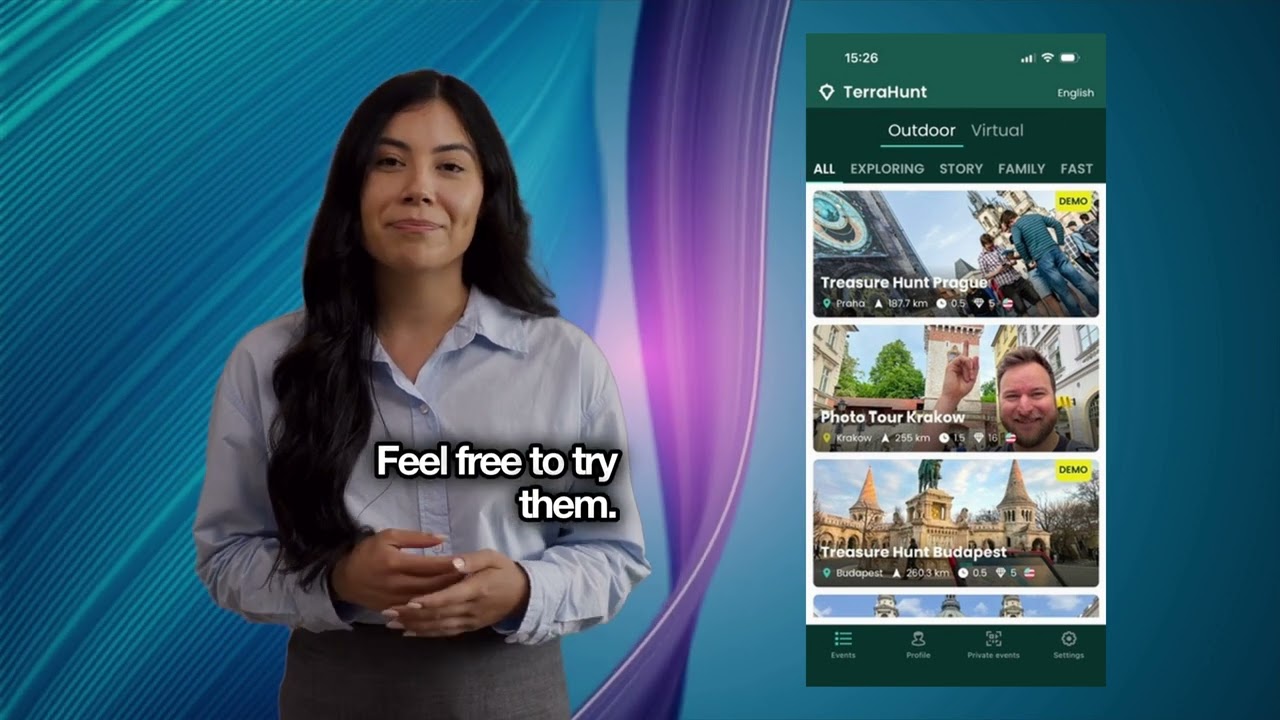
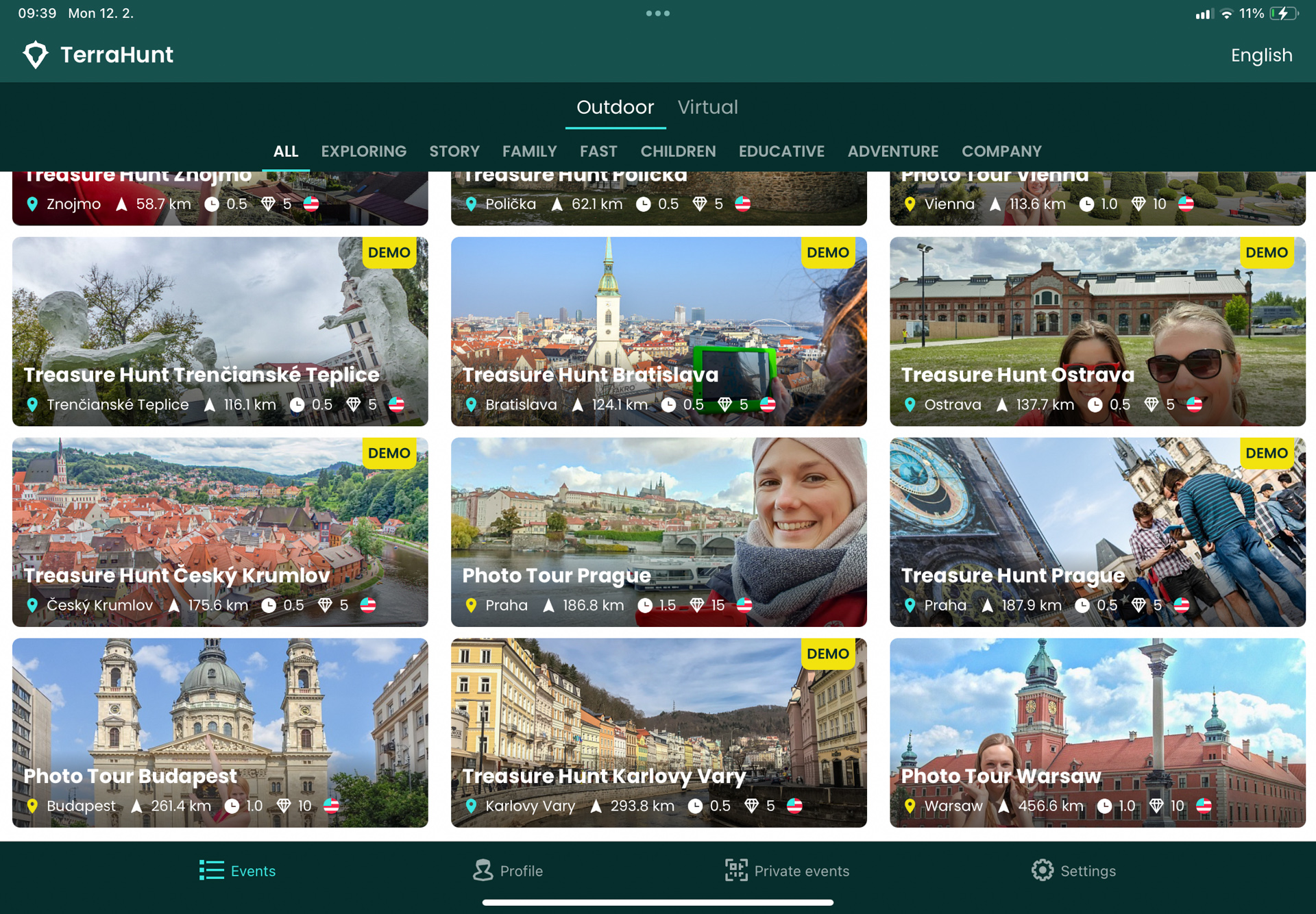
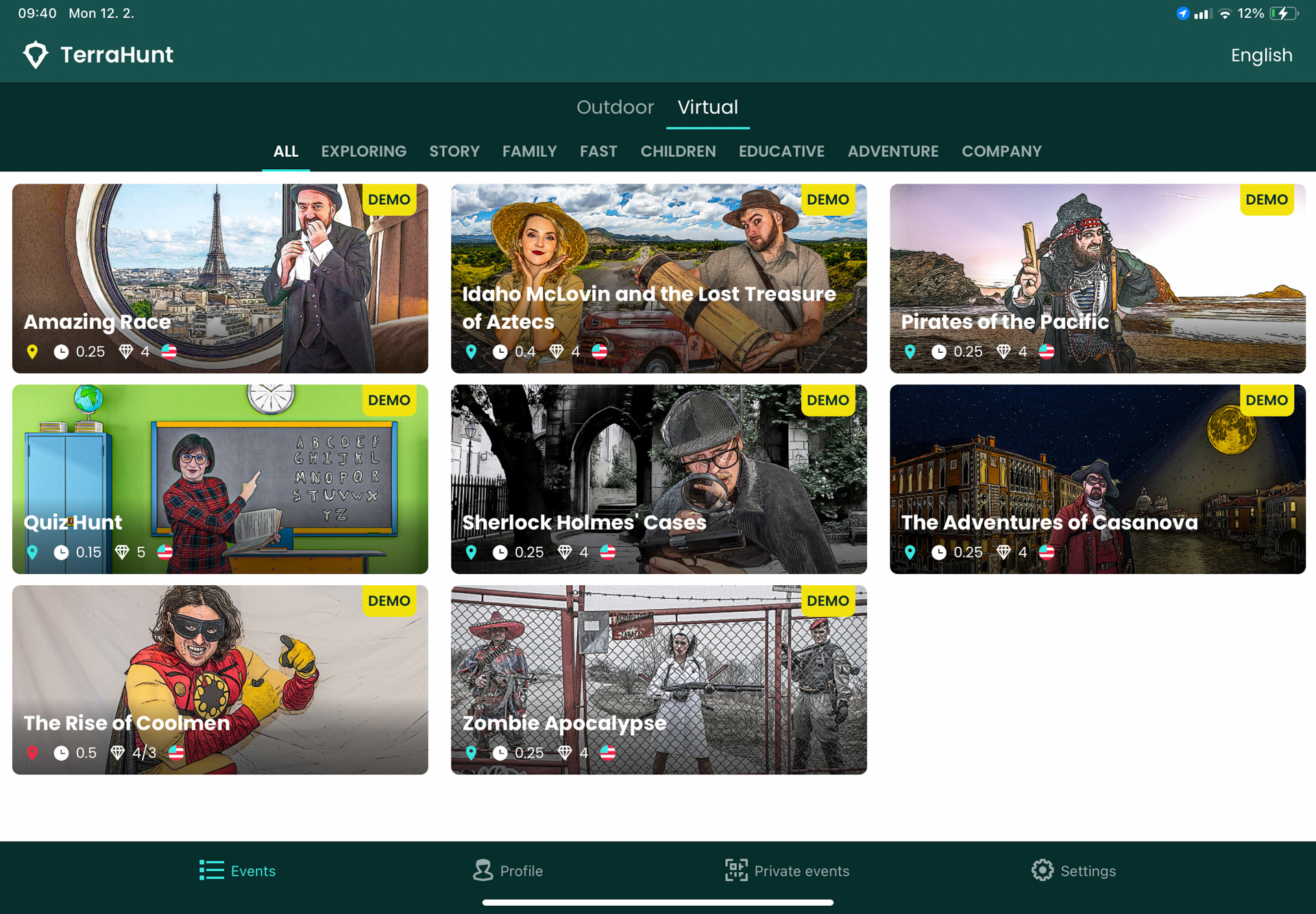
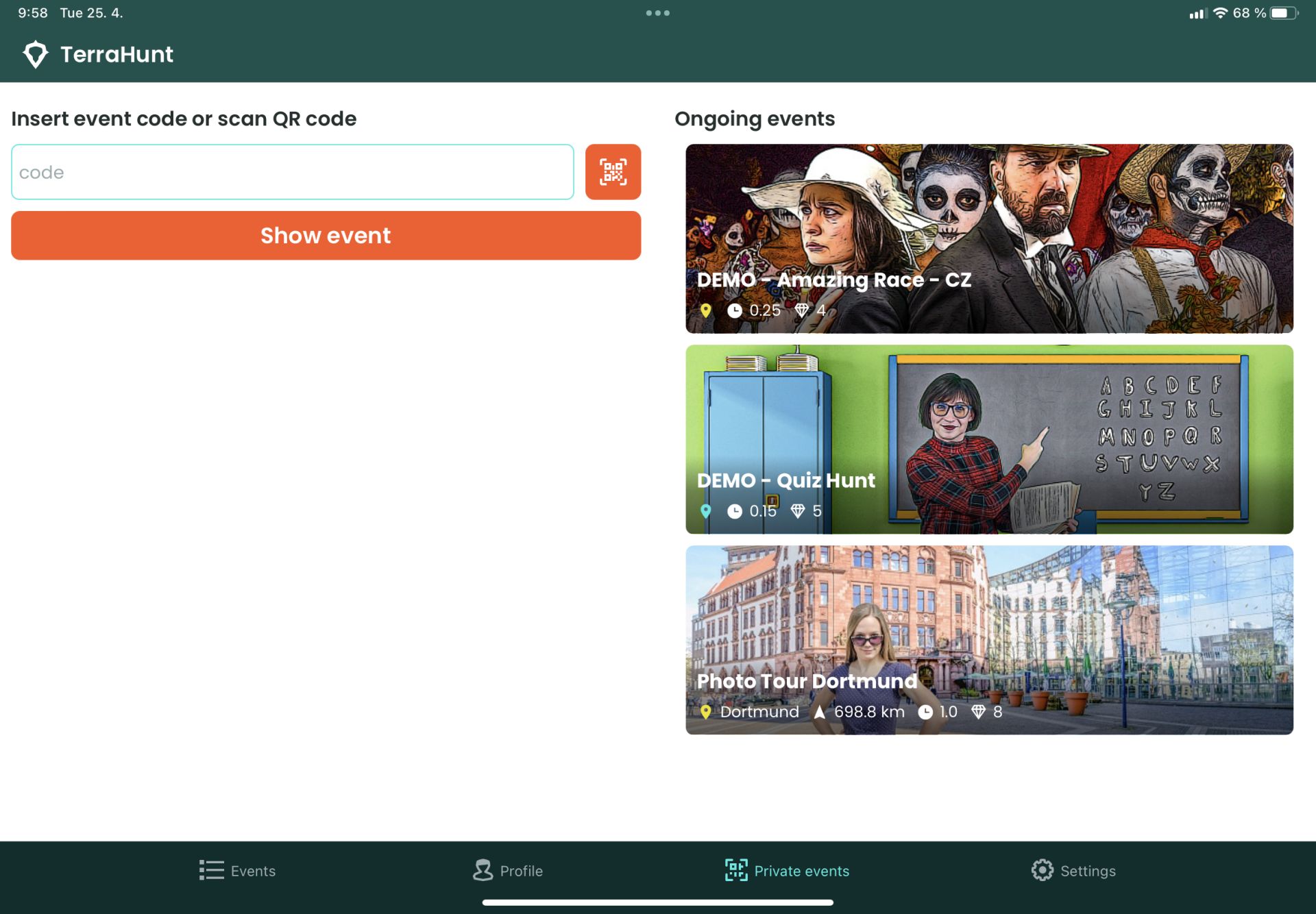
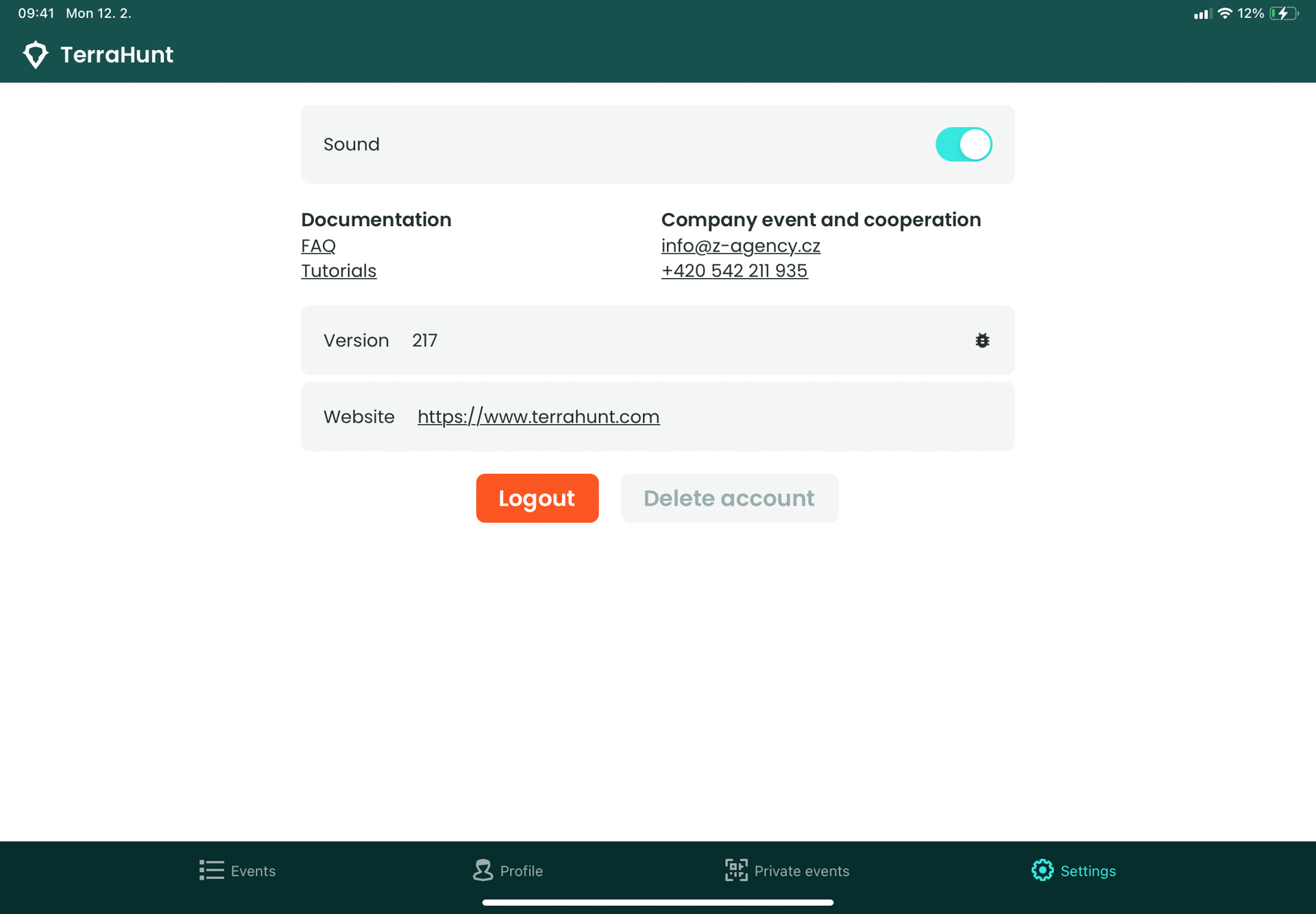
00:00 Introduction 00:10 Installation 00:23 Login 00:38 Permissions (Allowing Location, Camera, and Storage) 01:04 Event List 01:10 Public Events 01:19 Private Events 01:34 Game Details 01:42 Online Game vs. Offline Game 02:20 Profile - Setting Team Name 02:29 Settings 02:34 Outro
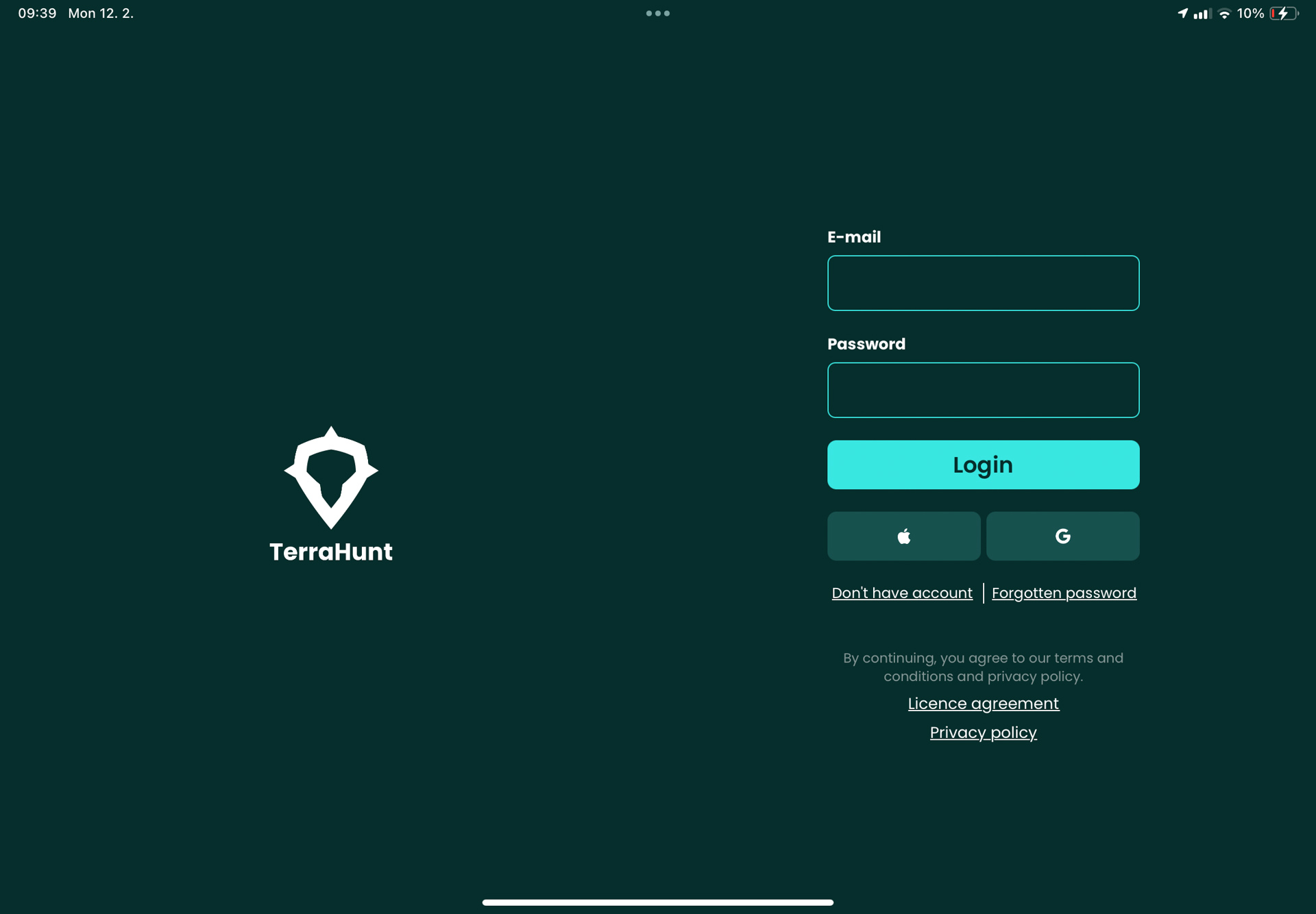
Login by e-mail
To log in to the app by email, you must first register. You need to enter your email and password. The password must contain at least 6 characters and the e-mail must be verified. If you want to use a Google email address, you'll have to sign in using Google Login.
Google Login
If you want to sign in with a Google account, click the Google sign in button..
Sign in with your Apple ID
If you want to sign in with an Apple account, click the Apple sign in button.
Sign in to the Public Server
To log in to the Public Server, use the same login method as you use to log in to the mobile app.